Interactive 3D maps for shopping centres
A 3D map of your shopping centre for €990
We draw a custom interactive map from your floor plans. Visitors can check on their phone where to find shops, services and entrances.
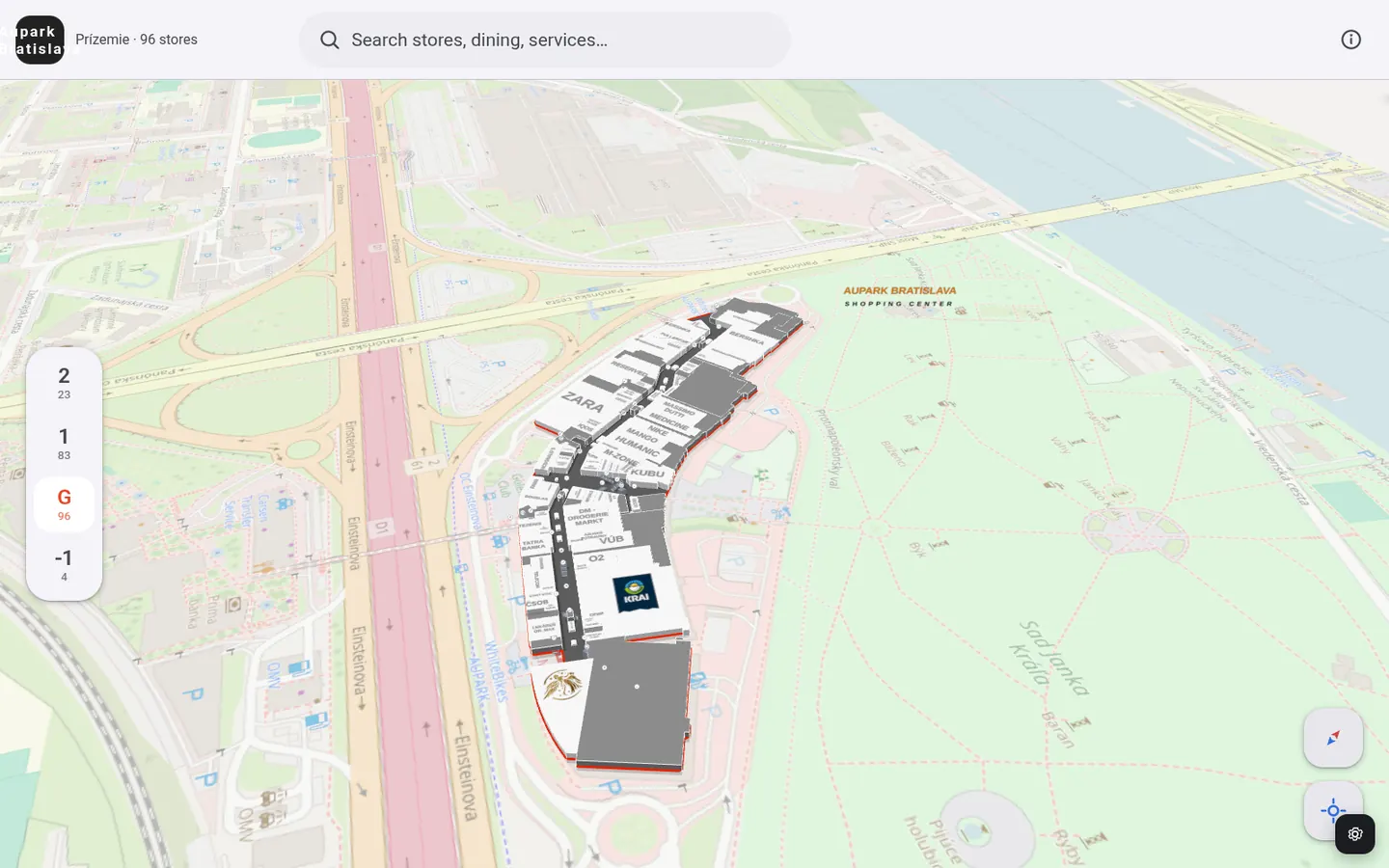
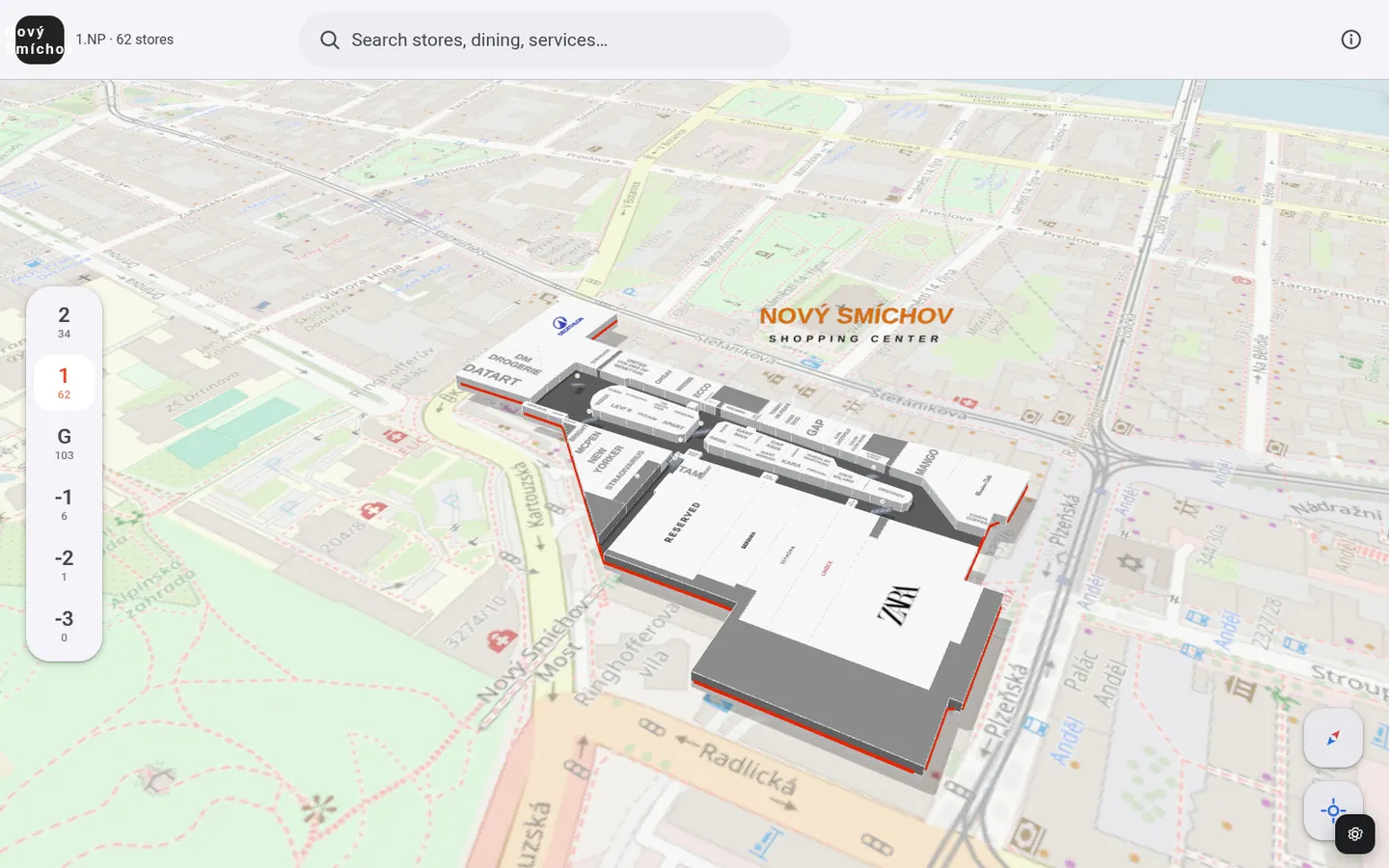
Real maps, live
Four interactive maps already in use. Pick a centre, launch the map right here or open it full screen.
Choose a centre
- Open in a new tab – Aupark Bratislava
- Open in a new tab – Nový Smíchov
- Open in a new tab – Aupark Hradec
- Open in a new tab – Palác Pardubice
On mobile the map opens full screen in a new tab.
What you get
A map drawn for your centre
We draw from your centre's floor plans, not from a template.
Floors, shops, services and entrances
Visitors switch floors and look up shops or services. We show the elements your plans contain.
Easy on mobile
The map opens in the browser – visitors don't need to install anything.
Set up around your website
You don't need a new website for the map. How it is embedded and updated is agreed around your existing site.
How it works
- 1
Send us your plans
Floor plans as PDF or whatever format you have. We'll check whether they're enough.
- 2
We draw the map
From your plans we build an interactive 3D map of your centre.
- 3
We agree on the rollout
Together we decide how the map goes live and how future changes are handled.
Price
Fixed price for a custom 3D map
€990
An interactive 3D map of your shopping centre, drawn from your floor plans.
Scope, rollout and terms for future changes are confirmed before work starts.
Questions
What floor plans do you need?
A PDF or any format you have is fine. We'll review the material and tell you whether we can draw the map from it, or what's missing.
How do we get the map onto our website?
We agree on the setup based on your site. You don't need to build a new website for the map – we confirm the exact approach once we've looked at your site.
What if shops or services change?
How future changes are handled is agreed together before launch. Terms for updates are confirmed in the offer.
No-obligation inquiry
Fill in a few details. The button opens your email app with a prepared draft – nothing is sent until you send it yourself.
Recipient – Simplaq business inbox:
Using Gmail or other webmail? Copy the address and message into a new email.